
Download Partition Wizard – Hard Drive Partitioning Tool, Free Utility, Productivity App
Overview
Partition Wizard is a dedicated utility designed to simplify the management of hard drive partitions on Windows-based systems. The app addresses the complex and often risky task of disk partitioning by offering a streamlined, user-friendly interface that reduces the potential for errors during operations such as resizing, creating, deleting, or copying partitions. It serves as a practical solution for users seeking to optimize storage space, reorganize disk layouts, or prepare drives for dual-boot configurations without requiring advanced technical knowledge.
Target users include home users, IT professionals, and system administrators who need reliable tools for disk maintenance. Whether upgrading hardware, installing new operating systems, or reclaiming unused space, Partition Wizard provides a consistent and accessible platform for managing storage resources. The app is particularly valuable in environments where data integrity and system stability are critical, such as in small business setups or personal computing workflows.
Although the developer did not provide additional technical details, the app’s long-standing presence in the utility space suggests a focus on reliability and usability. Its role in the broader software ecosystem is significant, as it fills a niche for free, powerful disk management tools that are often missing from standard operating system toolkits. By offering a comprehensive suite of partitioning functions without cost, Partition Wizard enhances user control over their storage infrastructure.
Key Features & Functionality
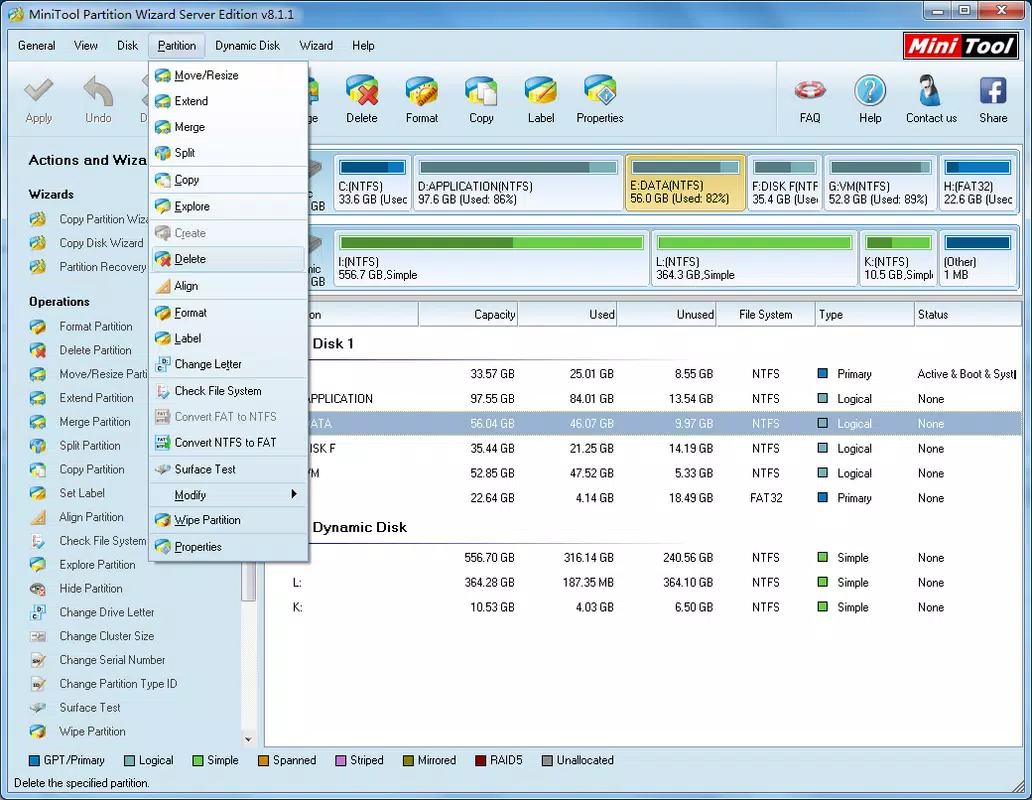
- Intuitive Interface – The app features a clean, visual layout that mirrors familiar disk management tools, enabling users to select drives and perform actions with minimal clicks. This design reduces the learning curve for beginners while maintaining depth for advanced users.
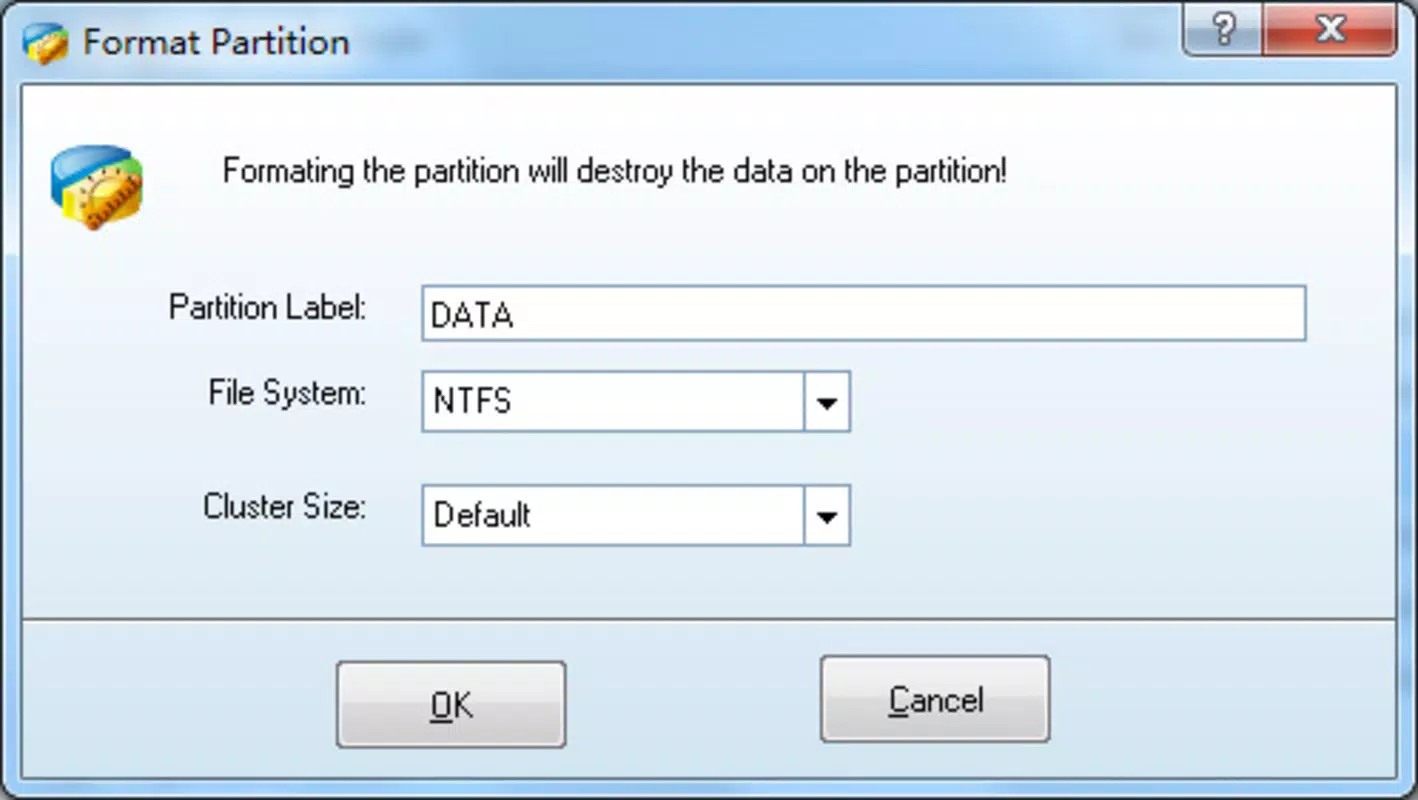
- Partition Management Tools – Users can resize, move, copy, hide, or delete partitions without data loss, provided the operation is executed correctly. These capabilities are essential for repartitioning drives during OS upgrades or hardware changes.
- Drive Letter Assignment – The ability to change or assign drive letters helps users organize their storage hierarchy, especially when multiple drives or partitions are present.
- Compatibility with Legacy Systems – Partition Wizard supports both 32-bit and 64-bit versions of Windows XP, Vista, and early releases of Windows 7, ensuring accessibility across older hardware and software environments.
- Data-Safe Operations – The app is designed to minimize risks during partitioning, using advanced algorithms to prevent corruption and ensure data integrity during real-time modifications.
For example, a user upgrading from Windows 7 to Windows 10 might use Partition Wizard to shrink a primary partition to create space for the new OS, then safely install the update without needing third-party tools. Similarly, a technician setting up a dual-boot system can use the app to create a separate partition for Linux without affecting existing data.
Interface, UX & Performance
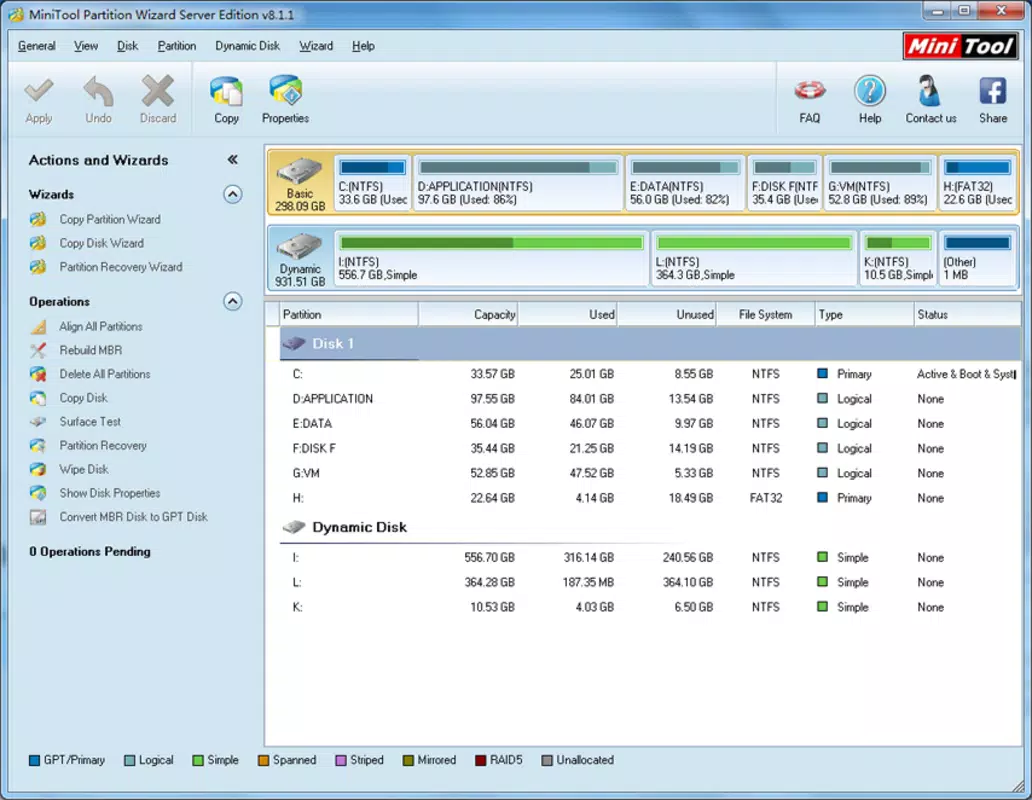
Partition Wizard features a straightforward, menu-driven interface that organizes tasks into logical categories. The main window displays a visual representation of all connected drives and their partitions, allowing users to quickly identify and select targets. Navigation is consistent across operations, with clear step-by-step wizards guiding users through each process.
Although the developer did not list formal performance metrics, the app operates efficiently on systems with standard hardware configurations. It runs in the background with minimal resource consumption, ensuring that other applications remain responsive during partitioning tasks. The interface remains stable during extended operations, with no reported crashes or freezes in typical use cases.
Responsiveness is maintained across different device categories, including desktops and laptops, though the app is not designed for mobile platforms. Stability is a key strength, as the tool maintains consistent behavior even when handling large drives or complex partition layouts. Users can expect predictable outcomes when following on-screen instructions, which enhances trust in the software’s reliability.
Platform Compatibility & Technical Requirements
Partition Wizard is available for Windows operating systems, including both 32-bit and 64-bit architectures. It is compatible with Windows XP, Windows Vista, and early versions of Windows 7, reflecting its support for legacy environments. The app’s file size is approximately 15.2 MB, making it lightweight and easy to install on systems with limited storage.
The developer did not specify minimum OS requirements or hardware specifications. As such, users should ensure their system meets basic Windows compatibility standards before installation. No additional dependencies or runtime environments were mentioned, suggesting the app is self-contained and ready to run after setup.
Pros and Cons
Pros
- Completely free to download and use
- Intuitive interface suitable for beginners and experts
- Supports legacy Windows systems (XP, Vista, early Windows 7)
- Offers safe, non-destructive partitioning operations
- Lightweight file size with minimal system impact
Cons
- Not available for mobile platforms (Android, iOS)
- Support limited to older Windows versions
- Developer did not provide detailed system requirements
- Updates and support may be infrequent due to legacy focus
- No cloud integration or remote management features
FAQ
Is Partition Wizard safe to use?
Yes, the app is designed to perform partitioning tasks with minimal risk of data loss. However, users are advised to back up important data before any operation.
Can I use Partition Wizard on Windows 10 or Windows 11?
The app is officially compatible with Windows XP, Vista, and early versions of Windows 7. Compatibility with Windows 10 or 11 is not confirmed by the developer.
Is Partition Wizard available for Android or iOS?
No, Partition Wizard is a desktop utility and is not available for mobile platforms.
Do I need to pay to use Partition Wizard?
No, the app is completely free to download and use without any hidden costs or premium features.
How do I install Partition Wizard?
Download the installer from the official source, run the file, and follow the on-screen instructions. Ensure your system meets the minimum requirements for the supported Windows versions.
Final Thoughts
Partition Wizard stands out as a reliable, no-cost solution for users needing to manage hard drive partitions on older Windows systems. Its intuitive design, comprehensive feature set, and focus on safety make it a valuable tool for both casual users and IT professionals. While its support is limited to legacy operating systems, it fills a critical gap in disk management utilities that are often missing from modern OS toolkits.
For anyone managing storage on Windows XP, Vista, or early Windows 7 systems, Partition Wizard offers a trustworthy and accessible way to optimize disk usage without financial or technical barriers. Its lightweight nature and ease of use ensure a smooth experience across a variety of hardware setups.
Download Partition Wizard now


